

The Opportunity
Your WordPress site already holds everything — products, orders, customers, posts, pages, custom post types. AI clients like Claude and Cursor can read and act on all of it, but only if there’s an MCP server in between. GetMCP runs on your WordPress installation and bridges that gap. No separate server, no API to build. Your existing WordPress REST API and WooCommerce endpoints become MCP tools in minutes.What You Can Expose
The Workflow
1
Install GetMCP
Install and activate the GetMCP plugin on your WordPress site. If you already have WordPress, this takes under two minutes.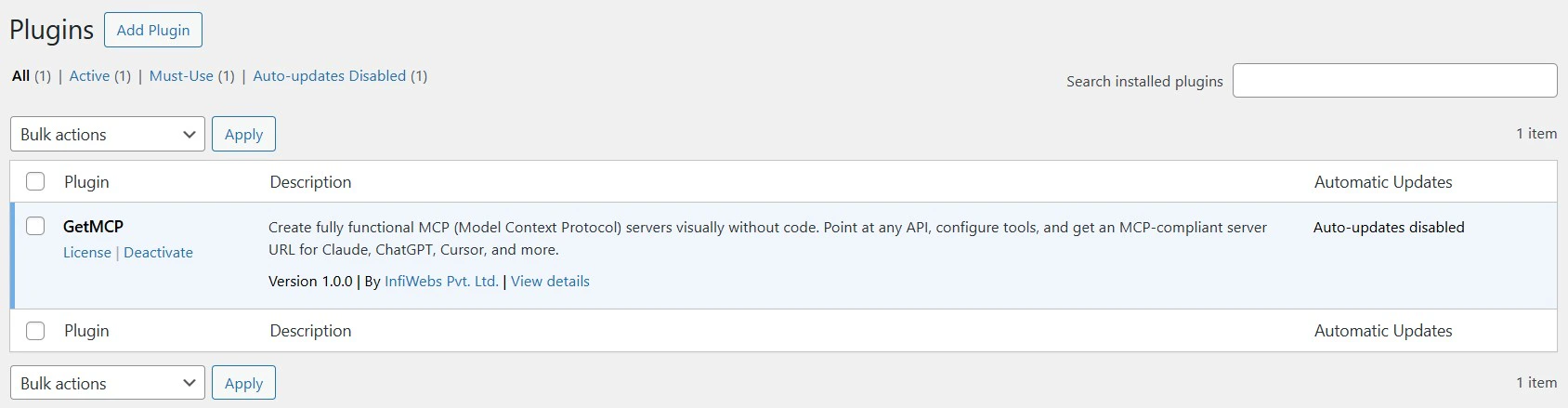
2
Create a server
Create one MCP server for your site. Give it a descriptive name — 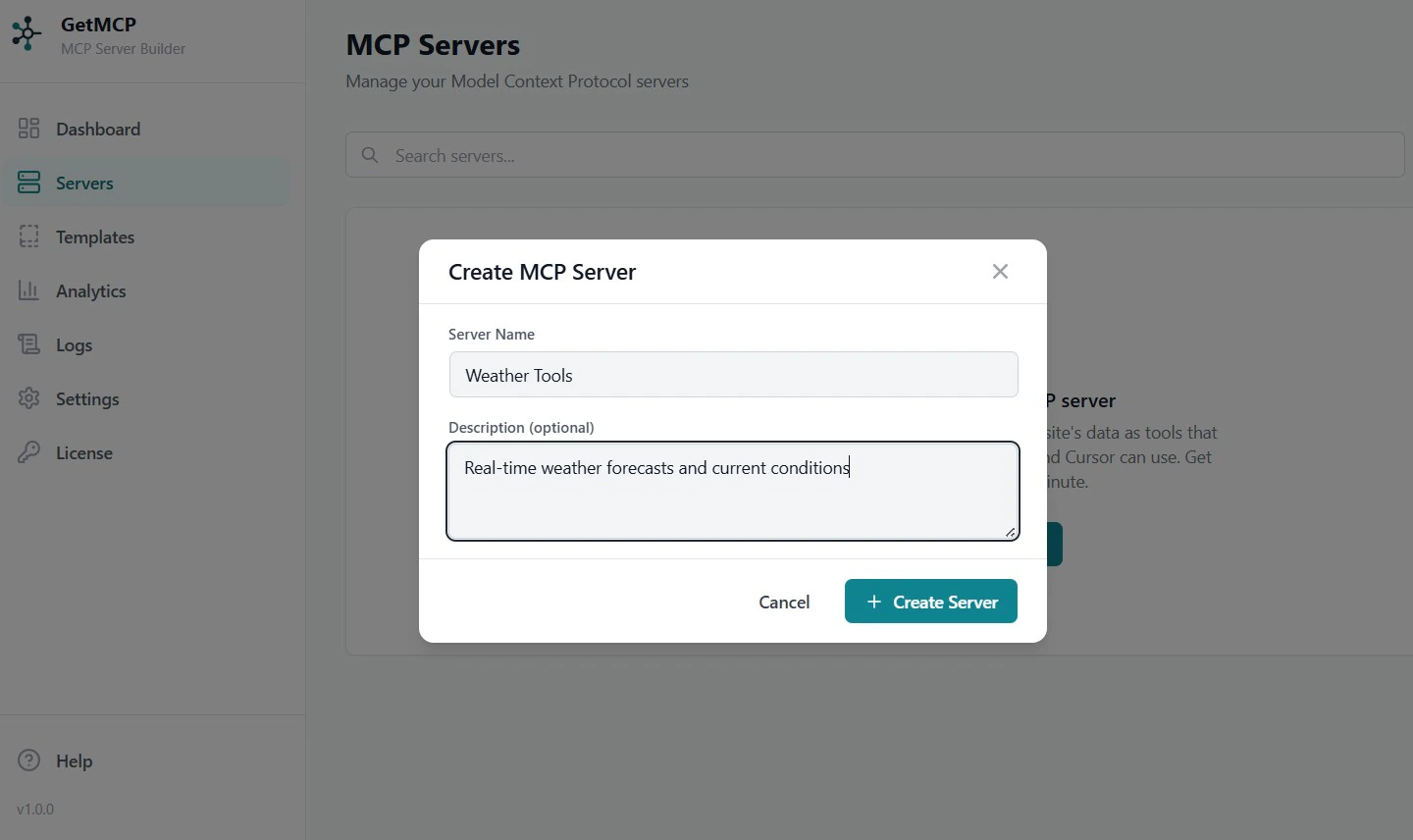
my-store, my-blog, or my-site. Each server gets its own MCP endpoint URL.3
Add tools for your WordPress endpoints
WordPress and WooCommerce expose hundreds of REST endpoints out of the box. Add the ones you want as MCP tools. Use cURL import to populate fields instantly:Paste this into the cURL import dialog and the URL, method, auth, and parameters are all populated for you.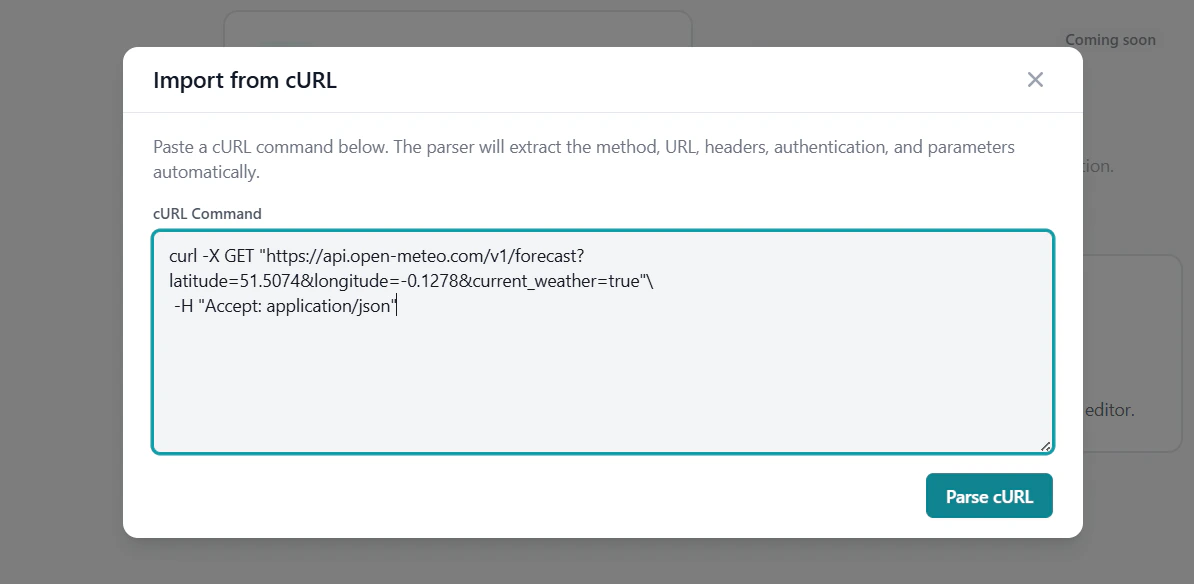
4
Configure WooCommerce authentication
WooCommerce uses consumer key/secret pairs. Store them as a Custom Header using Basic auth:This header is encrypted at rest and injected into every tool call — your AI client never sees the credential.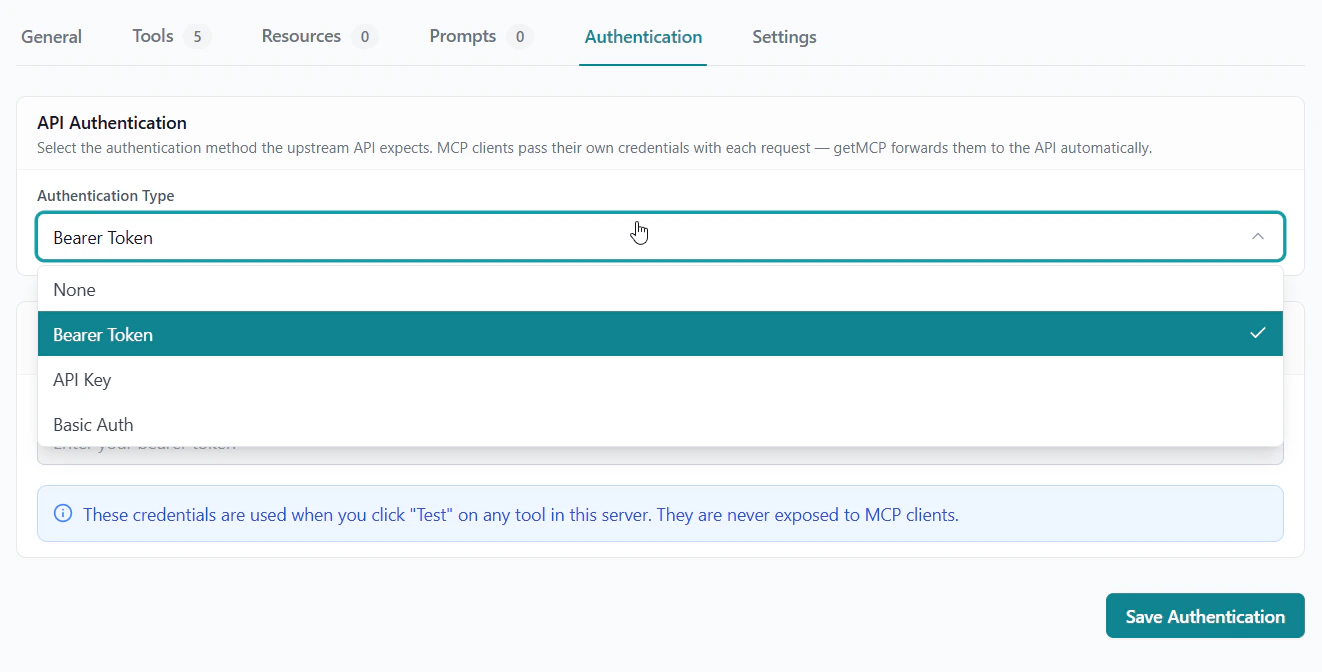
5
Test and connect
Use the built-in test panel to confirm each tool returns the right data. Then copy the MCP endpoint URL into Claude Desktop, Cursor, or any MCP client.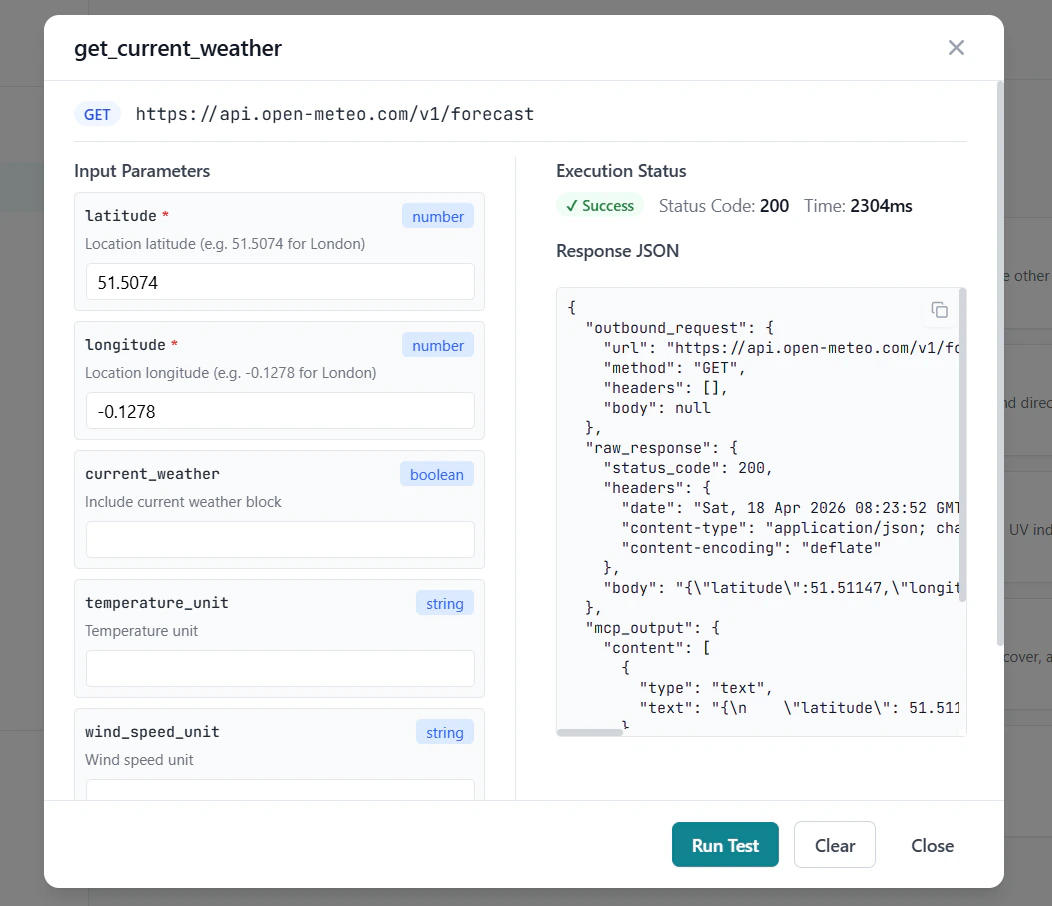
Example: Managing a WooCommerce Store with AI
Once your tools are connected, your AI client can handle store operations through natural language:
“Show me all pending orders from the last 48 hours”
→ calls list_orders with status=pending, date filter
“What’s the current stock level for Widget Pro?” → callsget_productand reads thestock_quantityfield
“Mark order #1042 as shipped”
→ calls update_order_status with status=completed
“Draft a blog post about our new summer collection”
→ calls create_draft with AI-generated content
Using Templates
The GetMCP template library includes pre-built tool sets for common WordPress and WooCommerce workflows. Instead of configuring each tool from scratch, install a template and have a working server in minutes.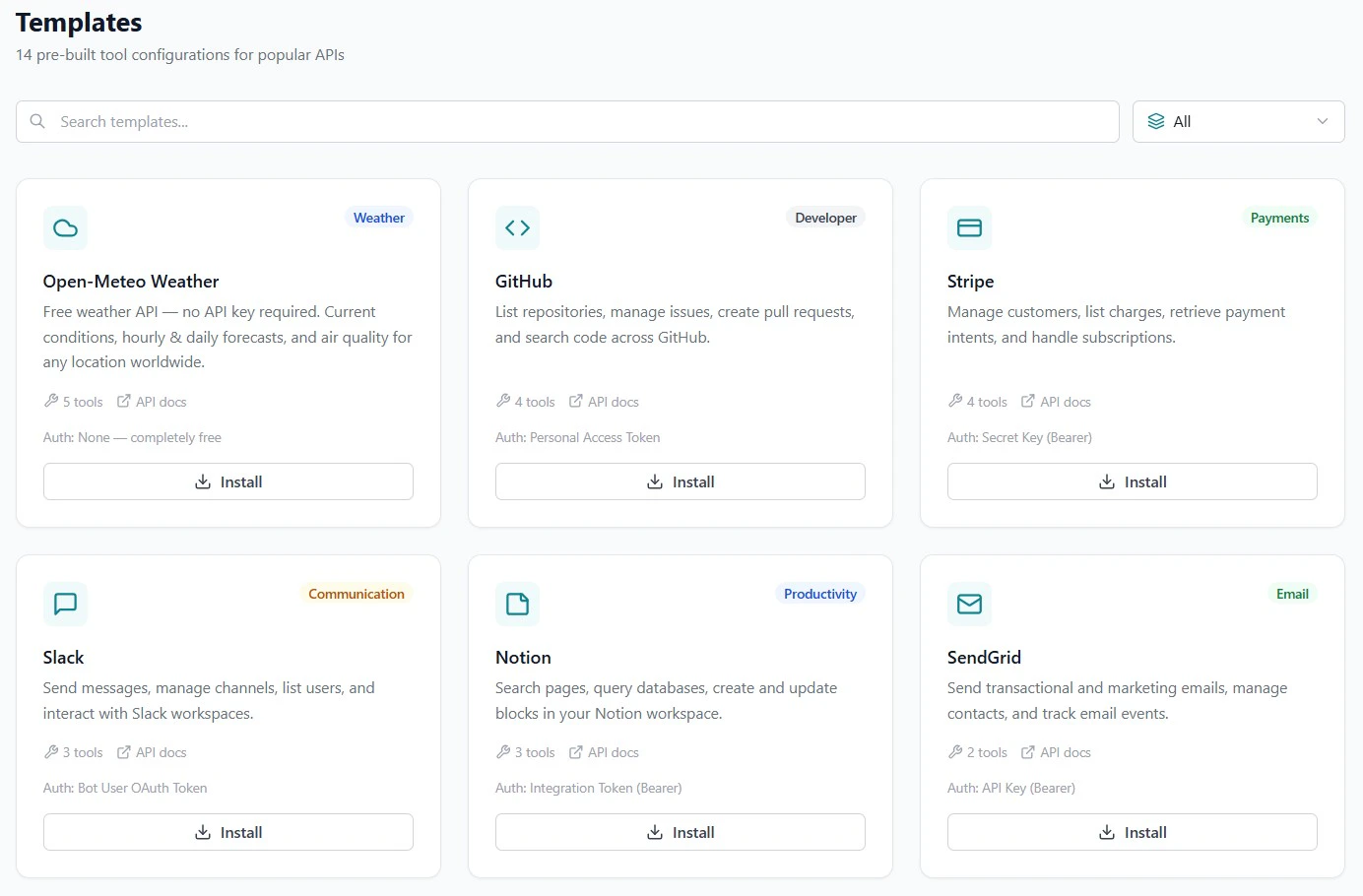
Get Started
Installation
Install GetMCP on your WordPress site
cURL Import
Populate tools from WooCommerce curl commands instantly
Templates
Browse pre-built WordPress and WooCommerce tool sets
Authentication
Configure WooCommerce consumer key/secret auth