

Overview
The OpenAPI Import feature reads an OpenAPI 3.x specification and turns every operation into a GetMCP tool in one step. Instead of configuring each endpoint manually, you give GetMCP the spec and it creates the full tool list — with correct HTTP methods, URL templates, parameter schemas, and descriptions pulled directly from the spec. This is useful when:- Your API already has an OpenAPI spec (most modern APIs do)
- You want to expose dozens of endpoints without configuring them one by one
- You want parameter types, descriptions, and required flags imported automatically
For Swagger 2.0 specs, use Swagger Import. For Postman collections, use Postman Import.
How to Use
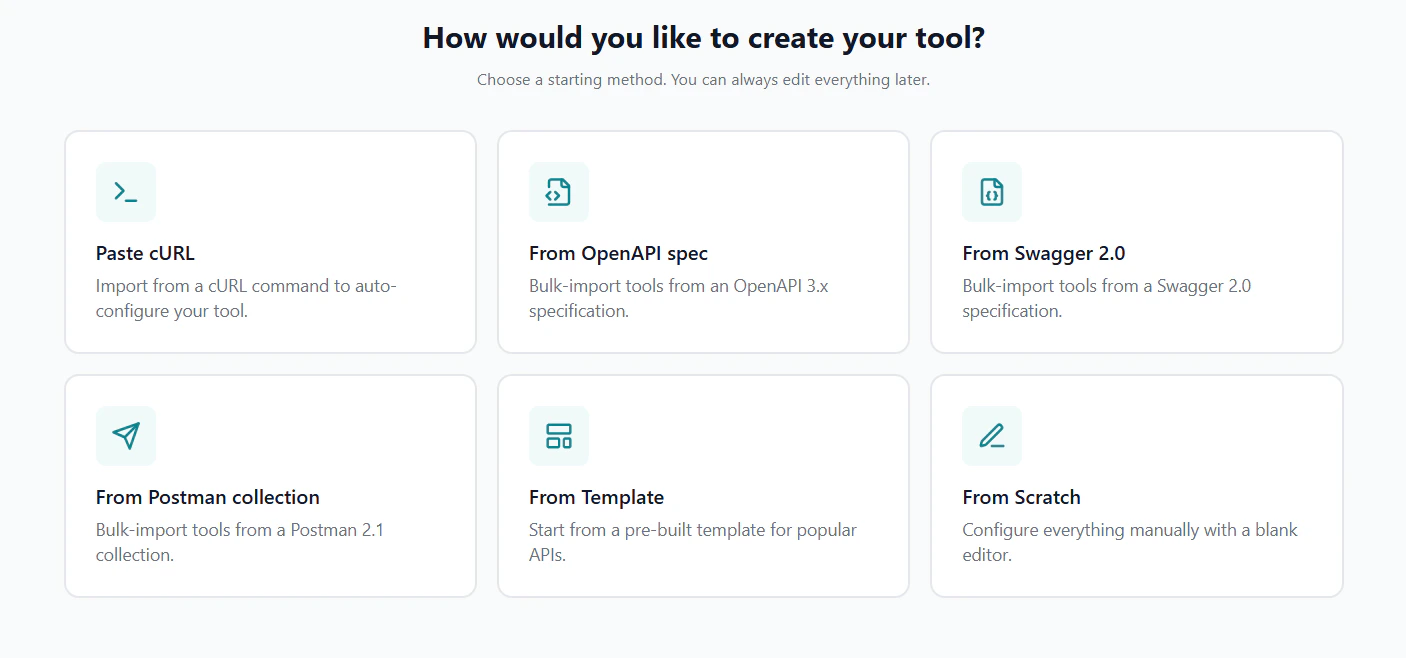
1
Open the Import Dialog
Navigate to your server’s Tools tab and click the Import dropdown, then select OpenAPI / Swagger. The three-step import modal opens.
2
Provide the Spec
Choose how to provide the spec — paste text, upload a file, or fetch from a URL.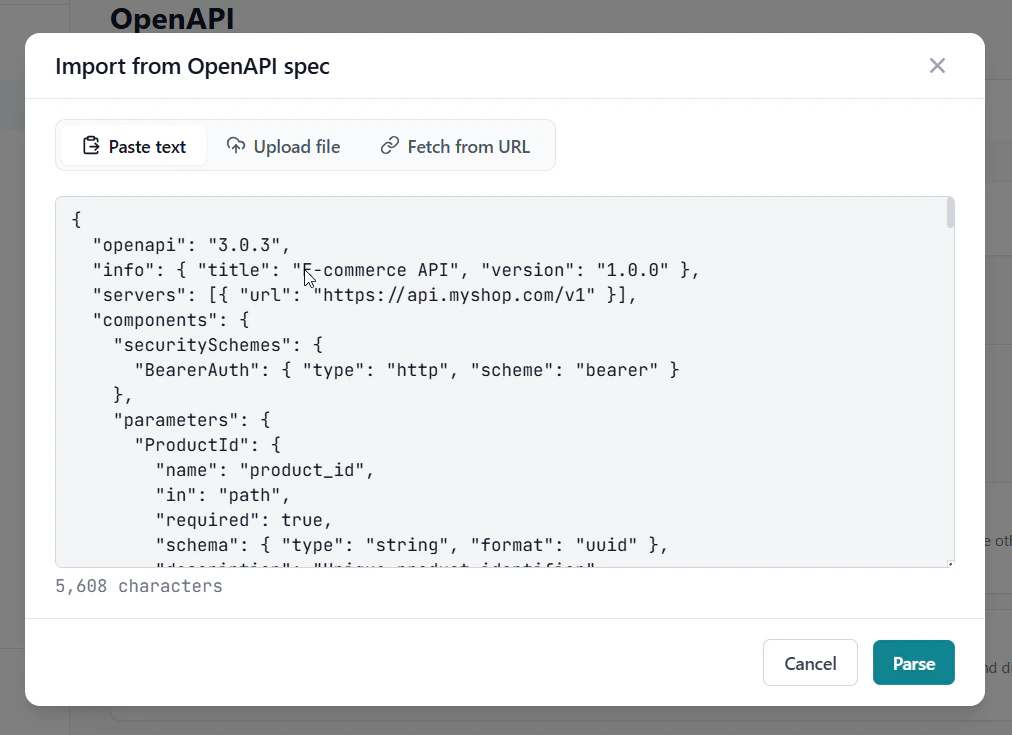
.json, .yaml, or .yml file (up to 10 MB).Fetch from URL — enter a public URL pointing to the spec (e.g. https://api.example.com/openapi.json). Private IPs are blocked; if fetch fails, paste the spec instead.Then click Parse.3
Select Operations to Import
GetMCP parses the spec and shows a preview table listing every discovered operation with its HTTP method, path, name, and description.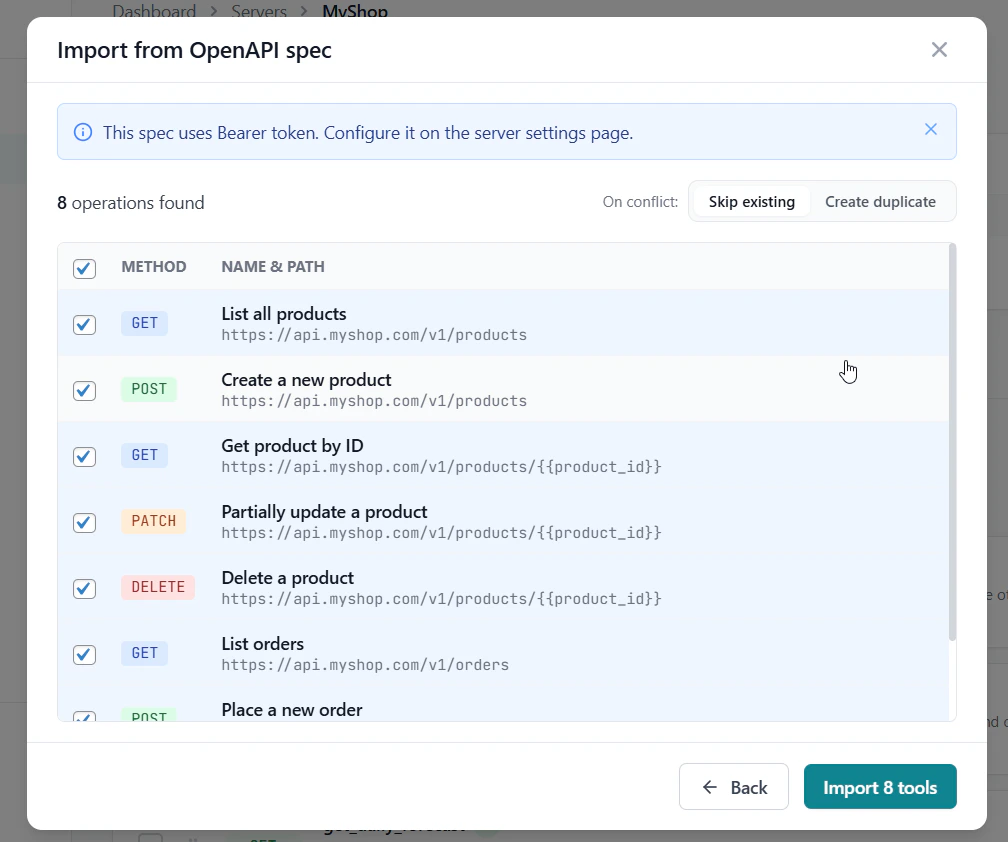
- Check or uncheck individual operations
- Use Select all / Deselect all to bulk-toggle
- Operations with warnings are flagged — hover to see what needs attention
- Choose On conflict: skip existing tools (default) or create duplicates
4
Review Results
The result screen shows how many tools were created, skipped (already exist), or failed with the specific error.Click Done to return to the tools list.
What Gets Imported
Auth headers detected in the spec’s
securitySchemes are noted in the preview but not stored as credentials. Configure production credentials after import in Server Settings → Authentication.