

What is a Prompt?
Prompts in GetMCP are reusable prompt templates that AI clients can retrieve and use via the MCPprompts/get method. They let you define structured instructions, system prompts, or workflow templates that AI clients can populate with runtime arguments.
Unlike tools (which call external APIs) or resources (which provide data), prompts provide instruction templates that guide how the AI should behave or structure its output.
Use Cases
- Standardized system prompts: Define how the AI should introduce itself or behave in a specific context
- Workflow templates: Multi-step instructions for complex tasks (e.g., “Write a product description given these fields”)
- Format instructions: Tell the AI how to format its output for a specific use case
- Domain-specific prompts: Context-rich instructions for specialized domains (legal, medical, technical)
Prompt Properties
Prompt Arguments
Each prompt can define typed arguments with the following properties:
Example arguments for a
write_product_description prompt:
Template Content
The template is the prompt text with{{argument_name}} placeholders that get replaced with the actual values when the prompt is retrieved:
Creating a Prompt
1
Open the Prompts Tab
Inside a server, click the Prompts tab.
2
Click Add Prompt
Click Add Prompt to open the prompt editor.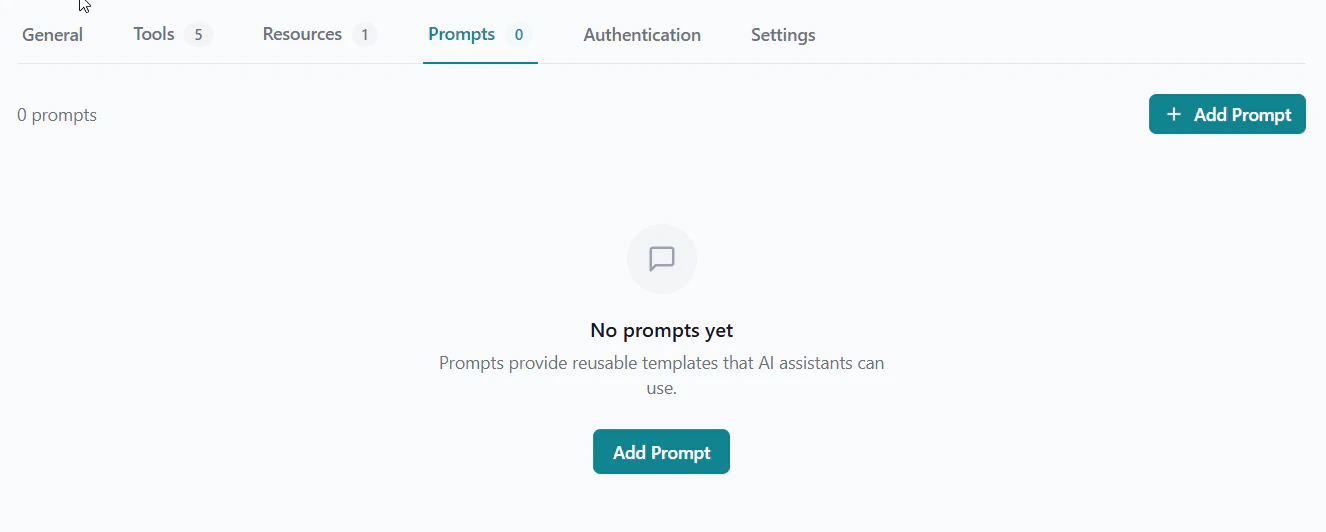
3
Set Name and Description
Enter a machine-readable name and a clear description.
4
Define Arguments
Add arguments using the argument editor. Specify which are required.
5
Write the Template
Write the template content using
{{argument_name}} placeholders.6
Save
Click Save. The prompt is now available via
prompts/list and prompts/get.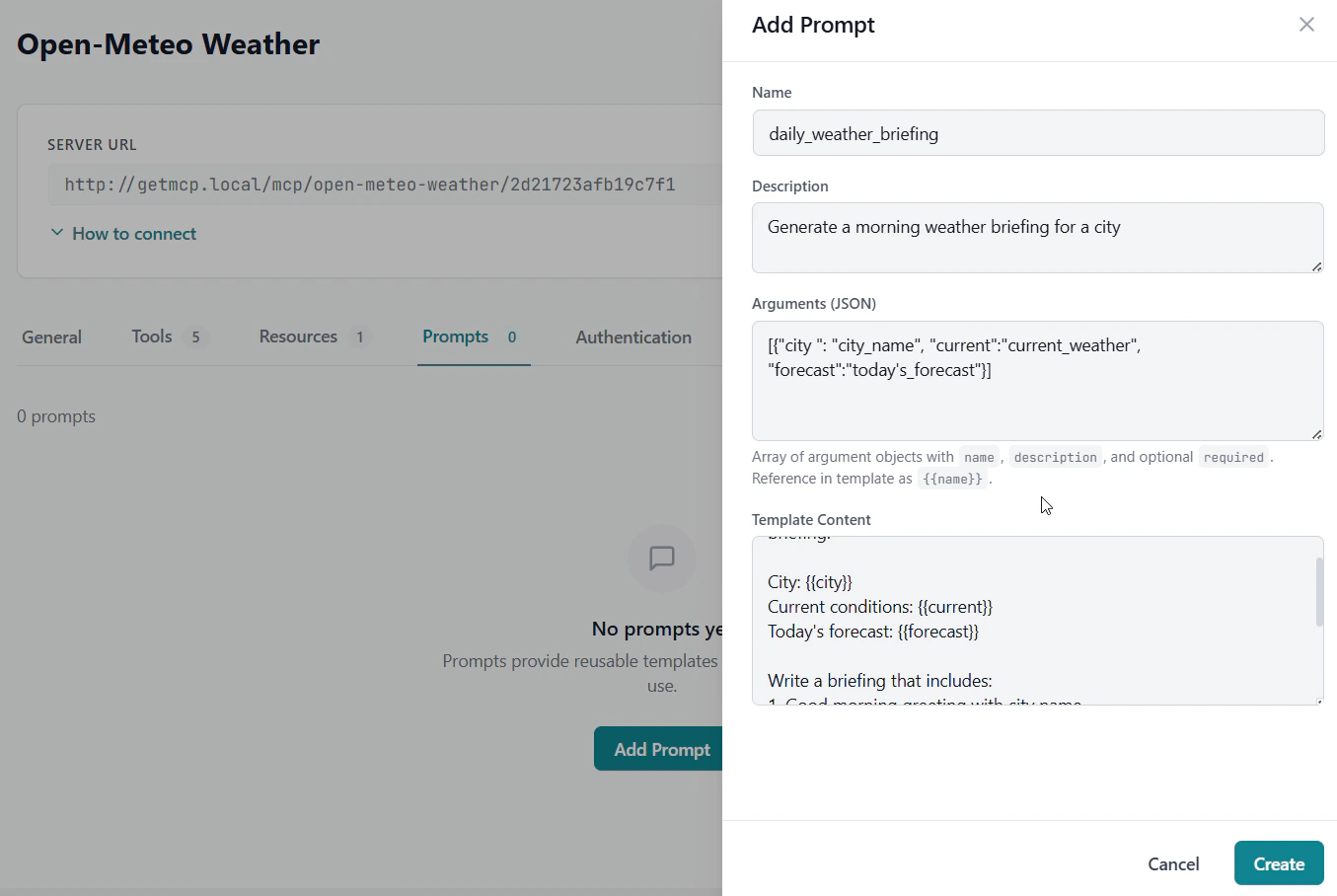
MCP Protocol
Prompts integrate with the standard MCP protocol methods:prompts/list— Returns all prompts for the server (name, description, arguments schema)prompts/get— Returns the rendered prompt content with provided argument values substituted
prompts/get, it passes the argument values and receives back the fully rendered prompt text ready to use.