

Base URL
All admin REST API endpoints are under the GetMCP namespace:yoursite.com with the domain of the WordPress site where GetMCP is installed.
Authentication
The GetMCP admin API uses API key authentication. Every request must include your API key in theAuthorization header.
Generating Your API Key
1
Open GetMCP Settings
In your WordPress admin, navigate to GetMCP > Settings.
2
Go to the API Keys tab
Click the API Keys tab in the Settings page.
3
Generate a Key
Click Generate New Key. Your key will be displayed once — copy it immediately and store it securely.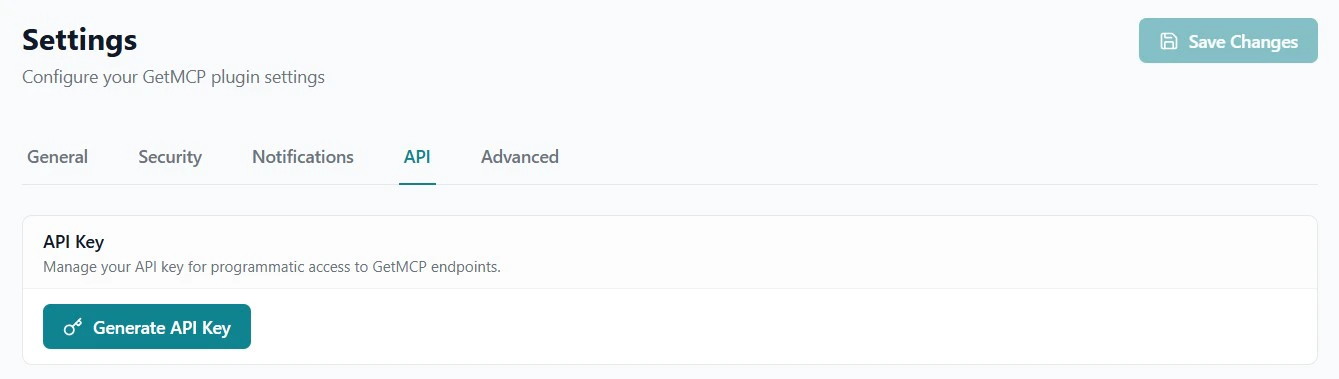
Key Format
GetMCP API keys use 32-character hex string:Example Request
Response Format
All responses are JSON. Successful list endpoints return an array. Single-item endpoints return an object. Pagination metadata is returned in response headers:X-WP-Total— Total number of itemsX-WP-TotalPages— Total number of pages
Error Responses
Errors follow this format:Common Error Codes
Two URL Spaces
GetMCP has two distinct URL spaces — do not confuse them:
This reference covers the Admin REST API. For the MCP Protocol endpoints, see MCP Protocol Reference.