

Prerequisites
- WordPress 6.2+ with PHP 8.0+
- GetMCP plugin installed and activated (Installation Guide)
- An API you want to expose (or use a pre-built template for testing)
Step 1: Create a Server
1
Navigate to GetMCP Dashboard
In your WordPress admin sidebar, click GetMCP to open the dashboard.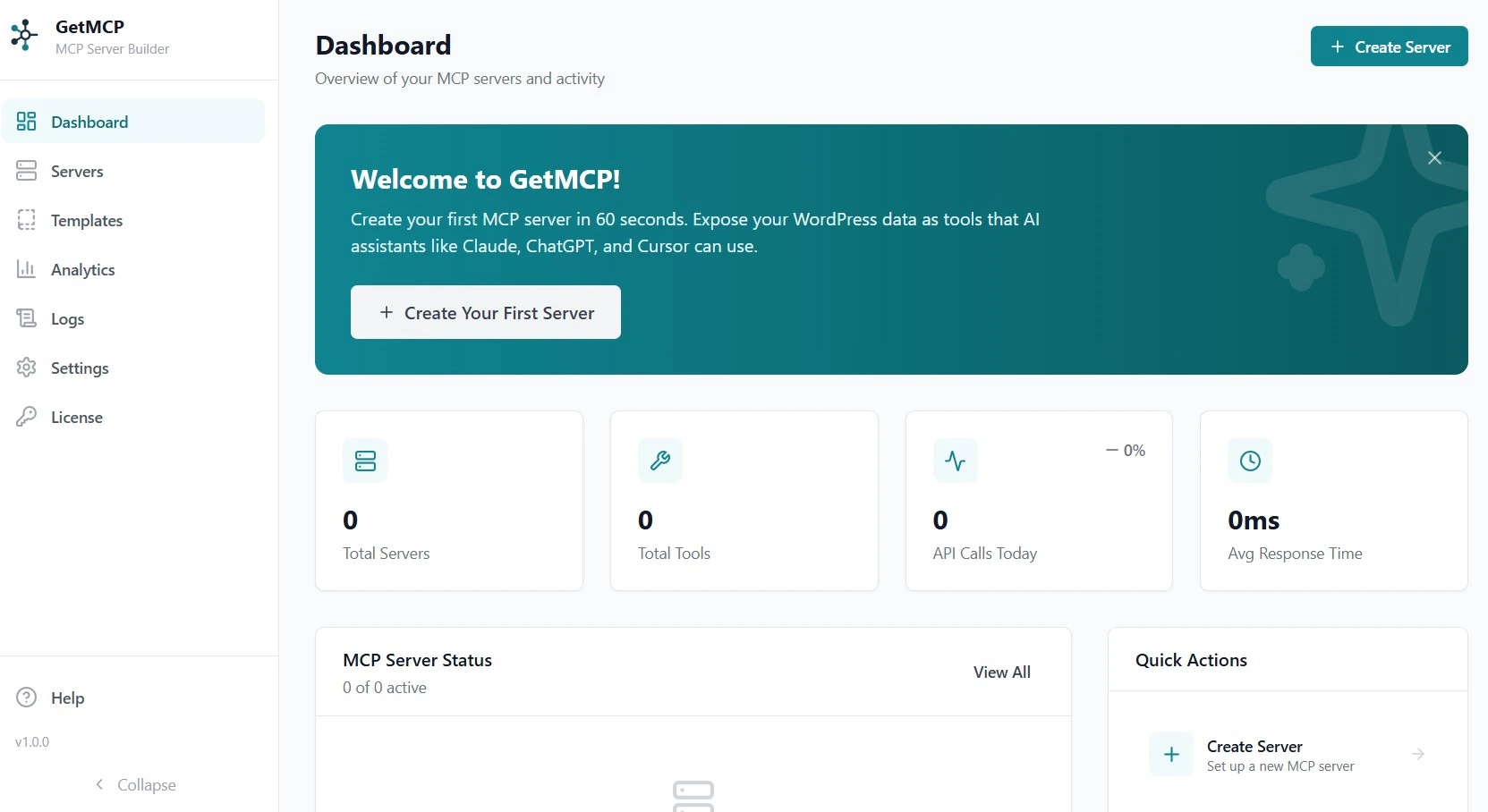
2
Click Create Server
Click the Create Server button in the top right corner.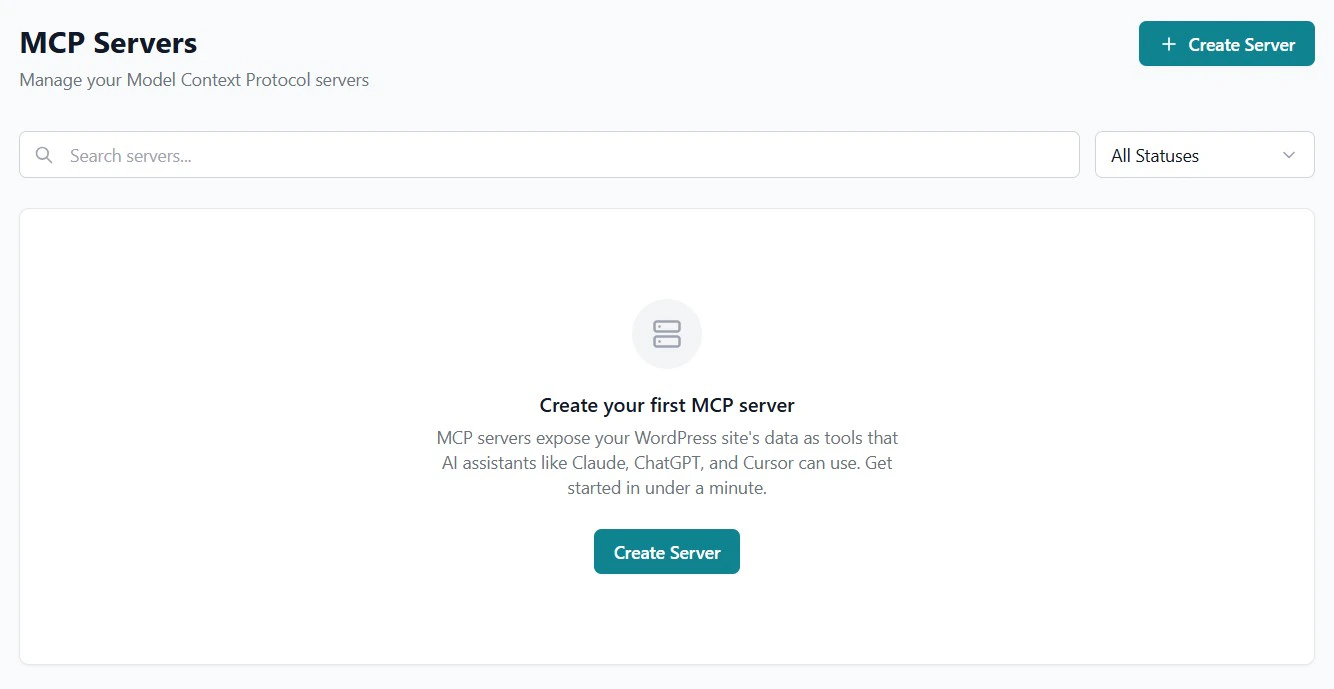
3
Fill in Server Details
Enter a Name (e.g., 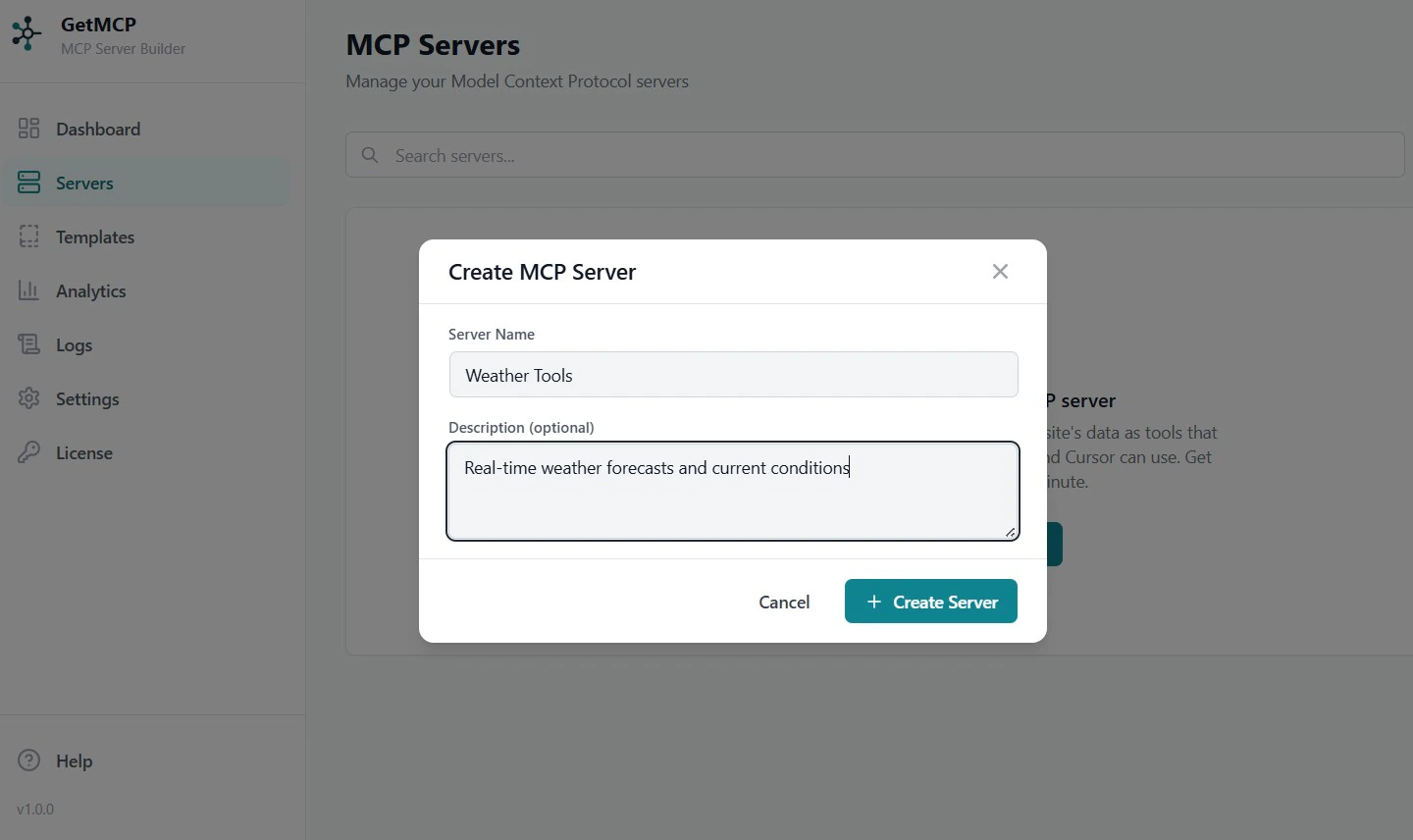
My Weather) and Description (optional). The slug and server ID are auto-generated.Click Create to save.Step 2: Add a Tool
1
Open the Tools Tab
Inside your new server, click the Tools tab.
2
Click Add Tool
Click Add Tool to open the tool editor.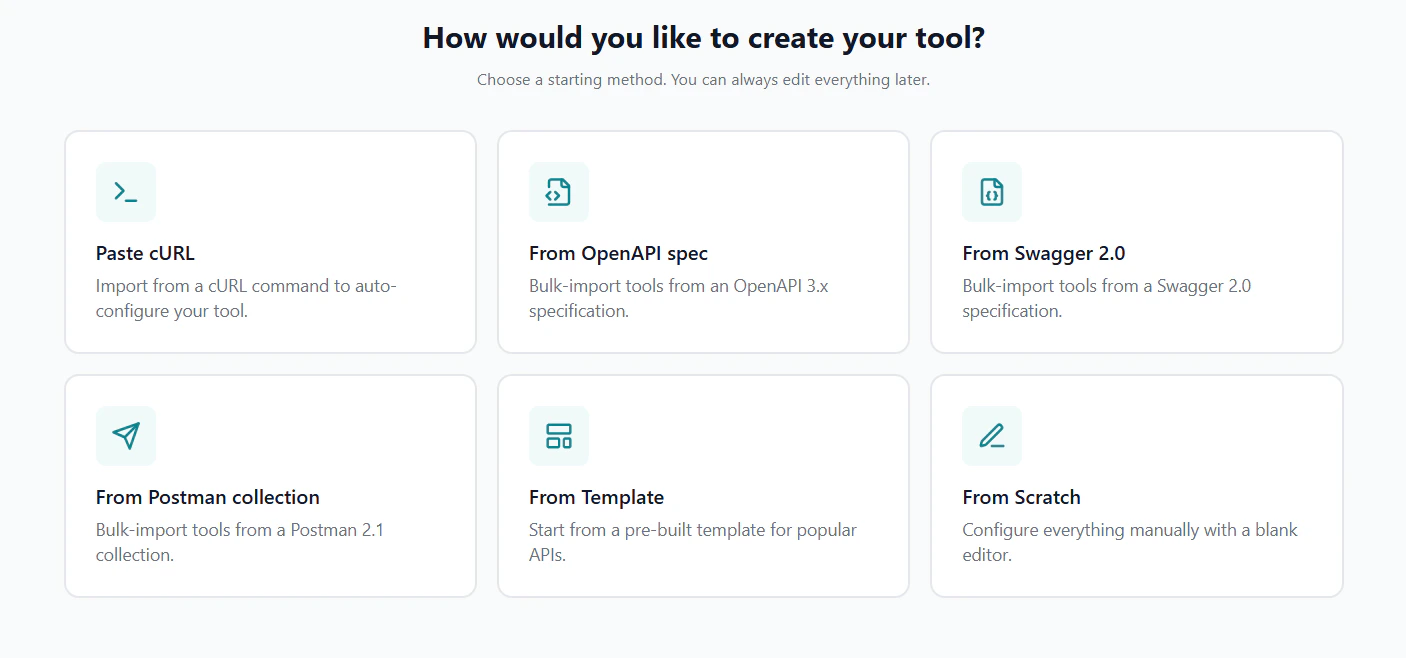
3
Configure the Tool
Fill in the tool details: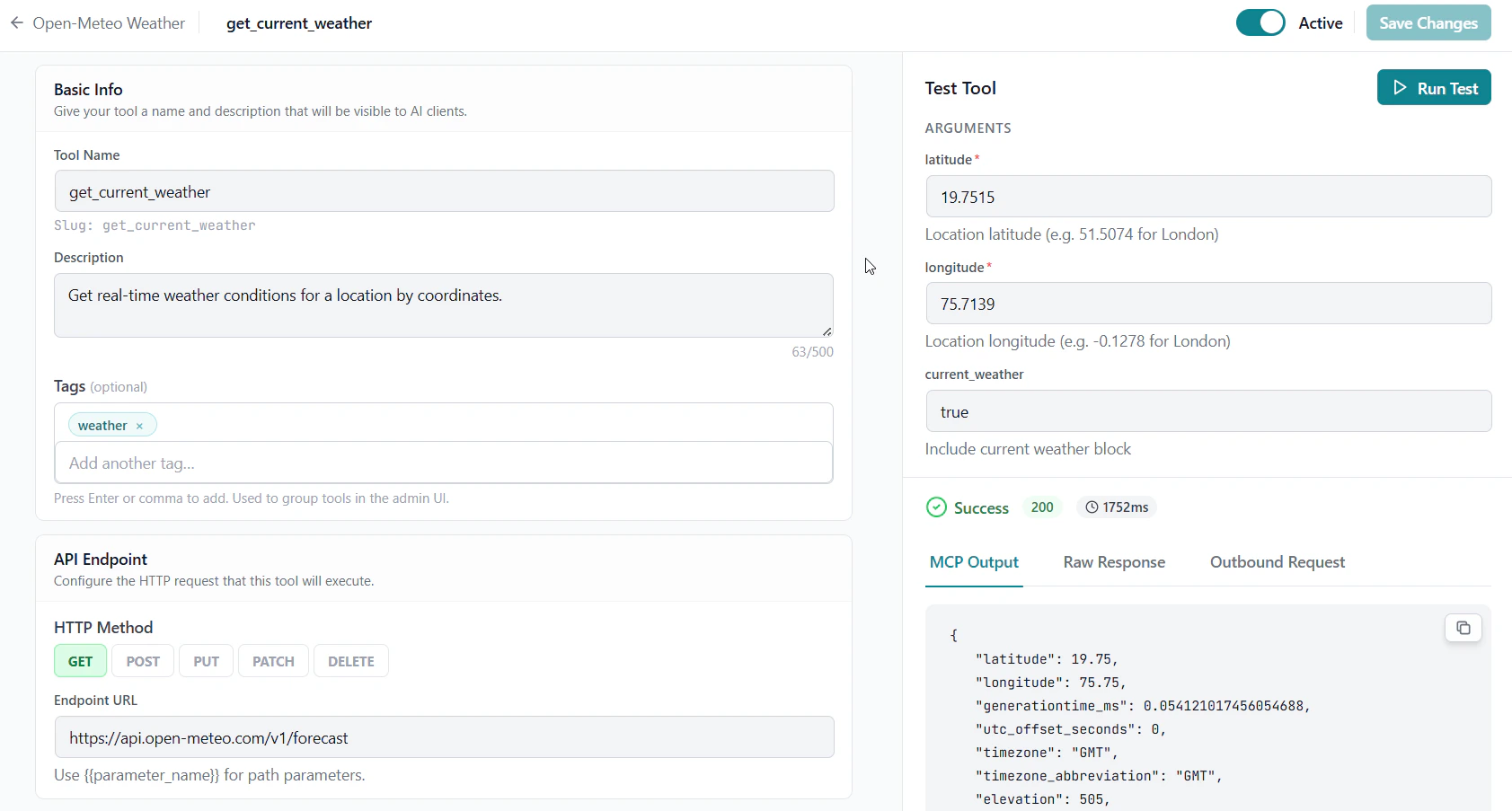
- Name:
get_current_weather(use snake_case — this is how AI clients call it) - Description:
Get real-time weather conditions for a location by coordinates - Endpoint URL:
https://api.open-meteo.com/v1/forecast - HTTP Method:
GET
4
Define Input Parameters
In the Input Schema section, add three parameters:
All three map as Query parameters — they are appended to the URL as
?latitude=...&longitude=...¤t_weather=true.5
Save the Tool
Click Save Tool. Your tool is now configured.
Step 3: Test the Tool
Before connecting an AI client, verify the tool works correctly.1
Open the Test Panel
On the tool row, click the Test button.
2
Enter Test Arguments
In the test panel, enter the following as the arguments (London coordinates):
3
Run the Test
Click Run Test. You should see the weather data returned from the API.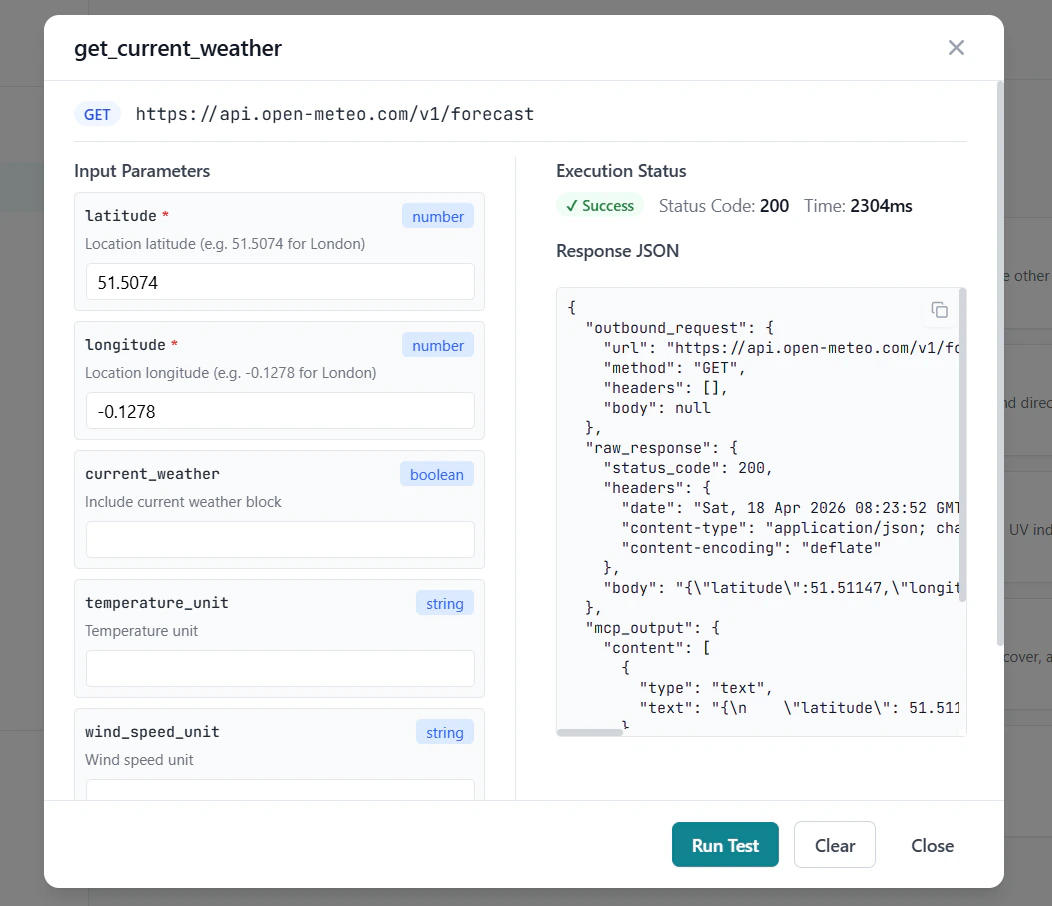
Step 4: Connect an AI Client
1
Copy the Server URL
On the server detail page, find the Server URL shown at the top. It looks like:Copy this URL. You can also click How to connect on the server detail page to get a pre-filled config snippet for your client.
2
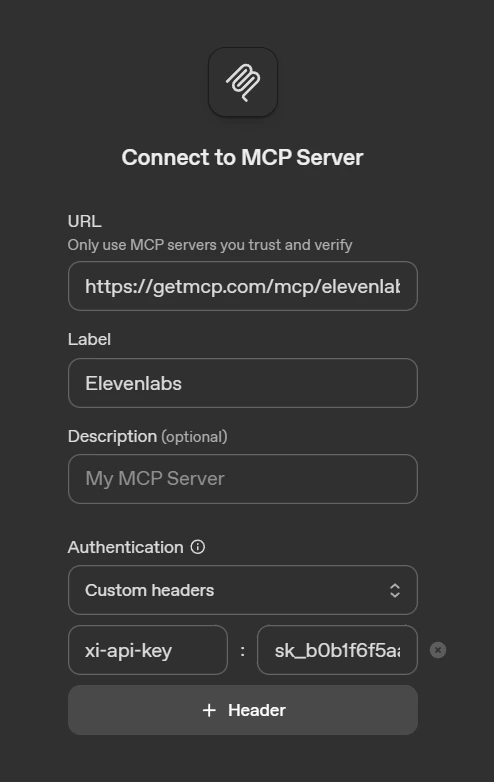
Configure Your AI Client
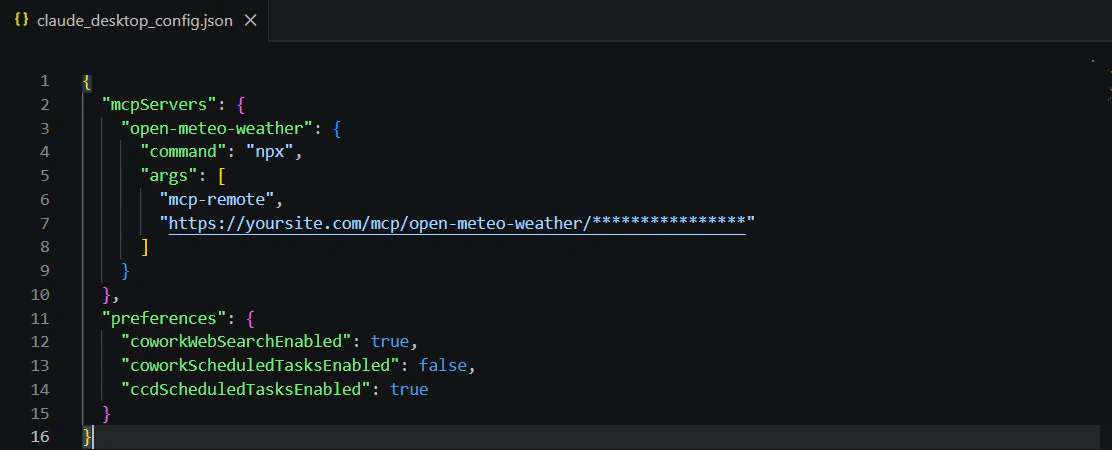
- Claude Desktop
- Claude Code
- Cursor
- Windsurf
- VS Code
- OpenAI Playground
Open Developer Settings and click Edit Config:Windows:Fully quit and restart Claude Desktop — closing the window is not enough.
- macOS: Menu bar → Claude → Settings → Developer → Edit Config
- Windows: Breadcrumb menu (top bar) → File → Settings → Developer → Edit Config
Step 5: Use It
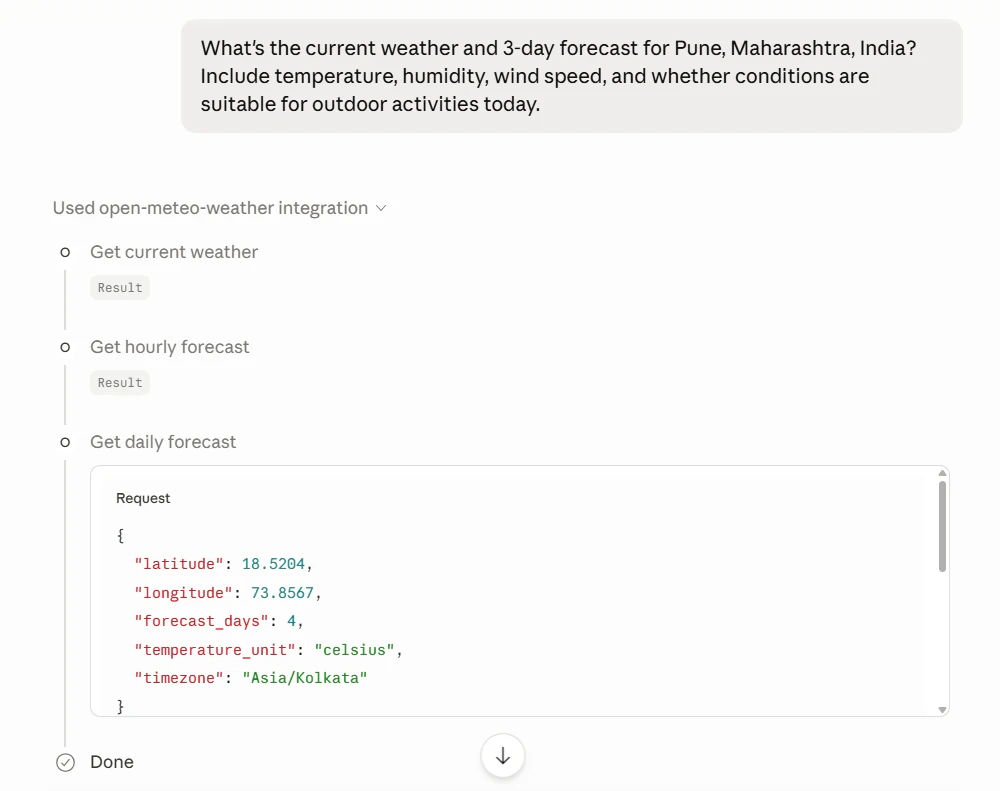
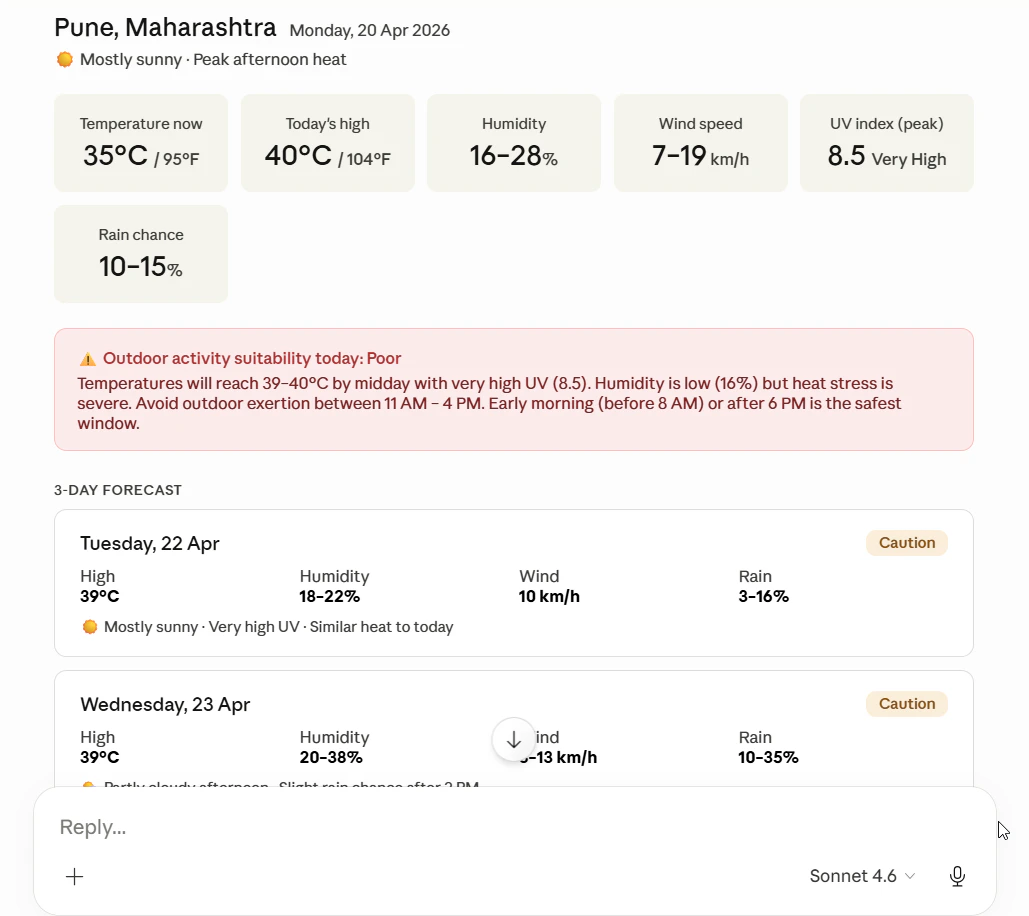
Open your AI client and ask it to use your tool:“What’s the current weather and 3-days forecast for Pune, Maharashtra, India?”
The AI will automatically discover and call your get_current_weather tool, passing the coordinates as query parameters.
Next Steps
Authentication
Secure your tools with API keys and Bearer tokens
Resources & Prompts
Expose static content and reusable prompt templates
Analytics
Monitor tool usage and performance
cURL Import
Import existing API calls directly from cURL commands