

Documentation Index

Fetch the complete documentation index at: https://docs.getmcp.com/llms.txt

Use this file to discover all available pages before exploring further.

Overview

The Swagger Import feature reads a Swagger 2.0 specification and converts every operation into a GetMCP tool. It works the same way as OpenAPI Import but handles the older 2.0 format — including securityDefinitions, body parameters with in: body, and base URL construction from schemes + host + basePath.
For OpenAPI 3.x specs, use OpenAPI Import. For Postman collections, use Postman Import.

How to Use
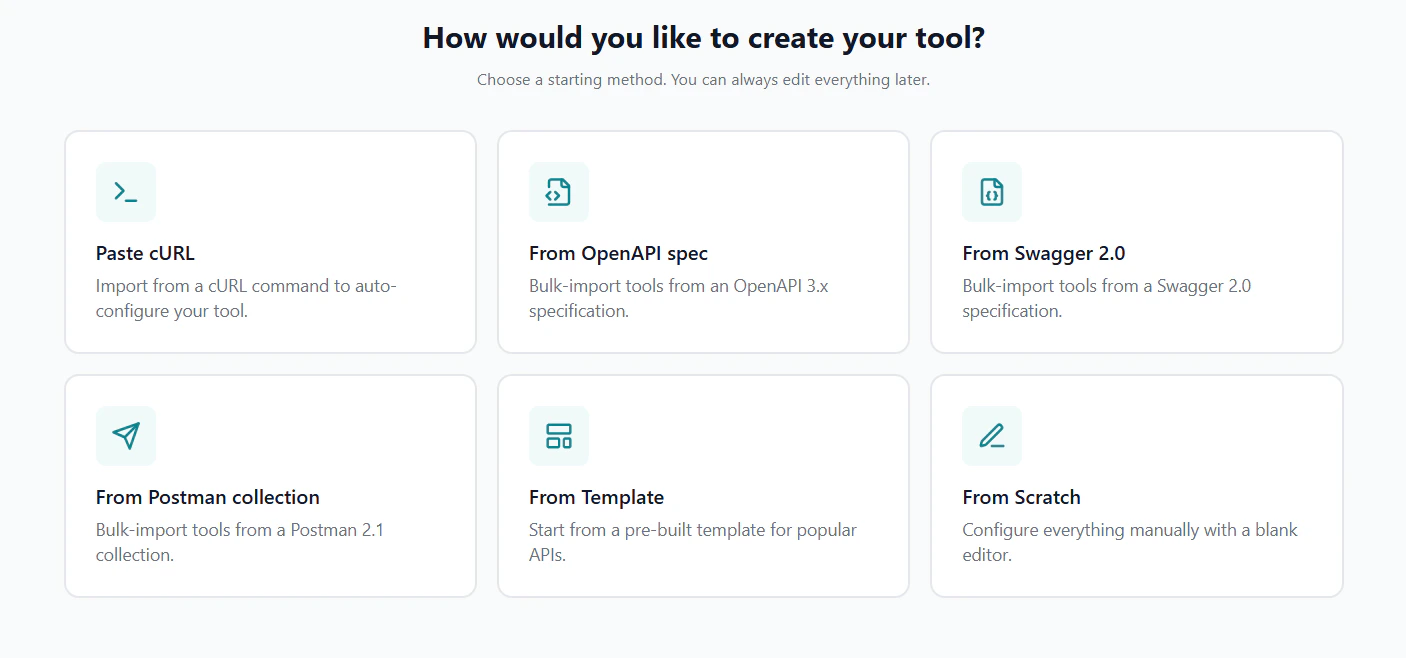
Tool creation method selector — choose From Swagger 2.0
1

Open the Import Dialog

Navigate to your server’s Tools tab and click the Import dropdown, then select OpenAPI / Swagger. When you paste or upload a Swagger 2.0 spec (identified by "swagger": "2.0"), GetMCP routes it to the Swagger parser automatically.
2

Provide the Spec

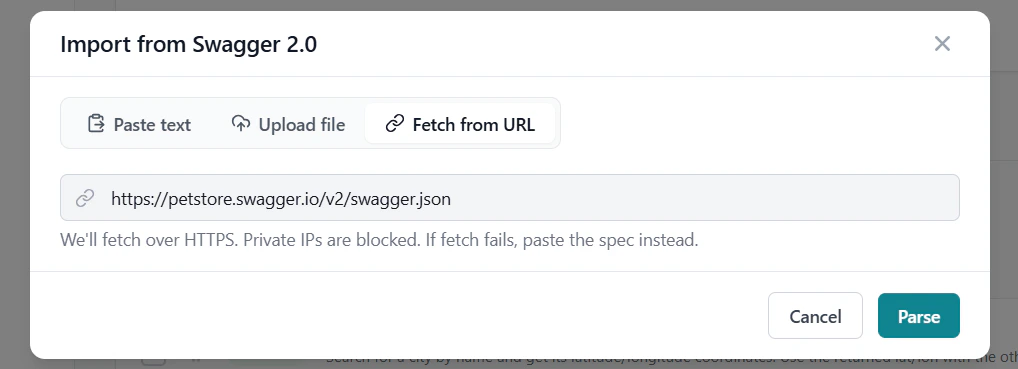
Choose how to provide the spec — paste text, upload a file, or fetch from a URL.Swagger import dialog — fetch from URL tab with swagger.json URLPaste text — copy the JSON or YAML spec content and paste it directly.Upload file — drag and drop or select a .json, .yaml, or .yml file (up to 10 MB).Fetch from URL — enter the public URL of your Swagger spec (e.g. https://api.example.com/swagger.json).Then click Parse.
3

Select Operations to Import

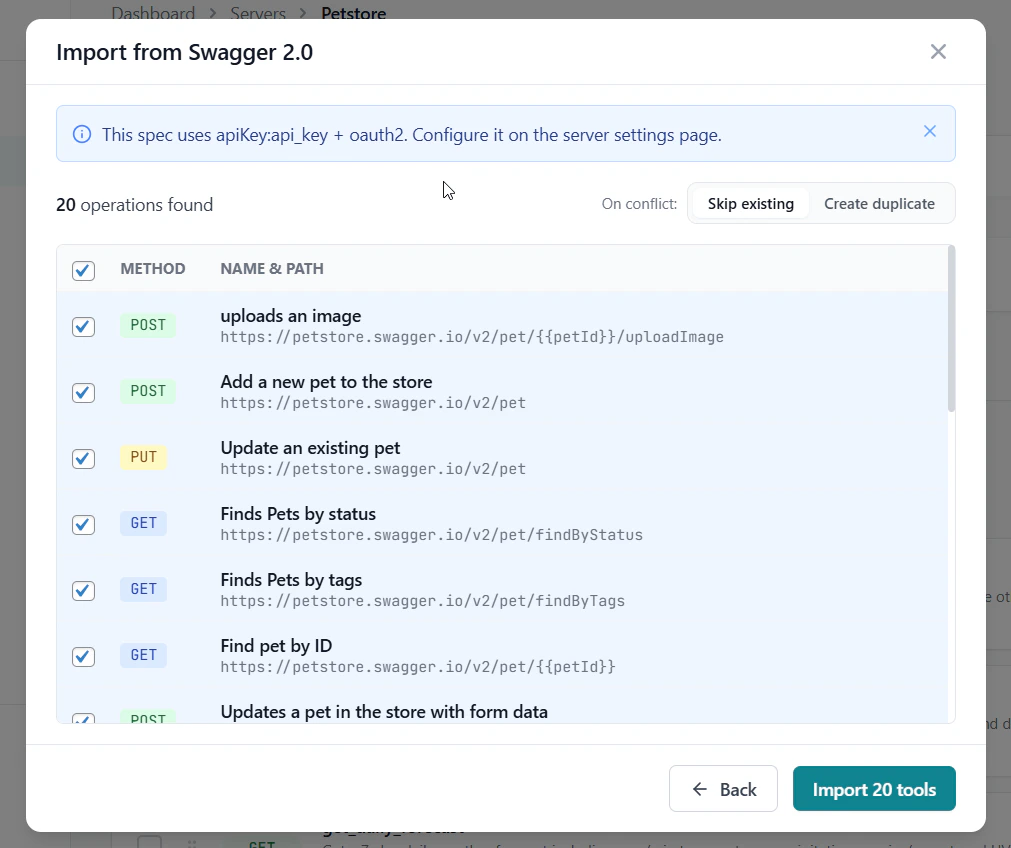
GetMCP shows a preview table of all discovered operations. Check the ones you want to import, set the conflict behavior, and click Import N tools.Swagger import preview — 20 operations found with method and path
4

Review Results

The result screen shows created, skipped, and failed tools. Click Done to return to the tools list.

What Gets Imported

Spec FieldImported As
operationId / summaryTool name
descriptionTool description
HTTP methodHTTP Method
schemes[0] + host + basePath + pathEndpoint URL
Path parameters (in: path)Input parameters mapped to Path
Query parameters (in: query)Input parameters mapped to Query String
Body parameter (in: body, schema)Input parameters mapped to Request Body
Form parameters (in: formData)Input parameters mapped to Request Body
required arrayRequired flags on parameters
Parameter typeParameter type

Differences from OpenAPI 3.x

Swagger 2.0 uses an older structure that differs in a few ways:
FeatureSwagger 2.0OpenAPI 3.x
Base URLschemes + host + basePathservers[0].url
Request bodyparameters[in: body]requestBody
Auth definitionssecurityDefinitionscomponents.securitySchemes
Model references#/definitions/...#/components/schemas/...
GetMCP handles all of these differences automatically.

Tips

Many older APIs and API management platforms (Kong, AWS API Gateway, Azure APIM) still publish Swagger 2.0 specs. Check the developer portal for a link to swagger.json or swagger.yaml.
If you get an “unsupported version” error when using OpenAPI Import, switch to Swagger Import. The parser checks the swagger vs openapi version field and routes accordingly.