

Requirements
Before installing, ensure your server meets the minimum requirements:HTTPS is strongly recommended for production environments. Most AI clients require or prefer HTTPS connections when communicating with MCP servers. For local development, HTTP works fine.
Install the Plugin
1
Find GetMCP in WordPress
In your WordPress admin, navigate to Plugins > Add Plugin.Upload the GetMCP plugin ZIP file and click Install now.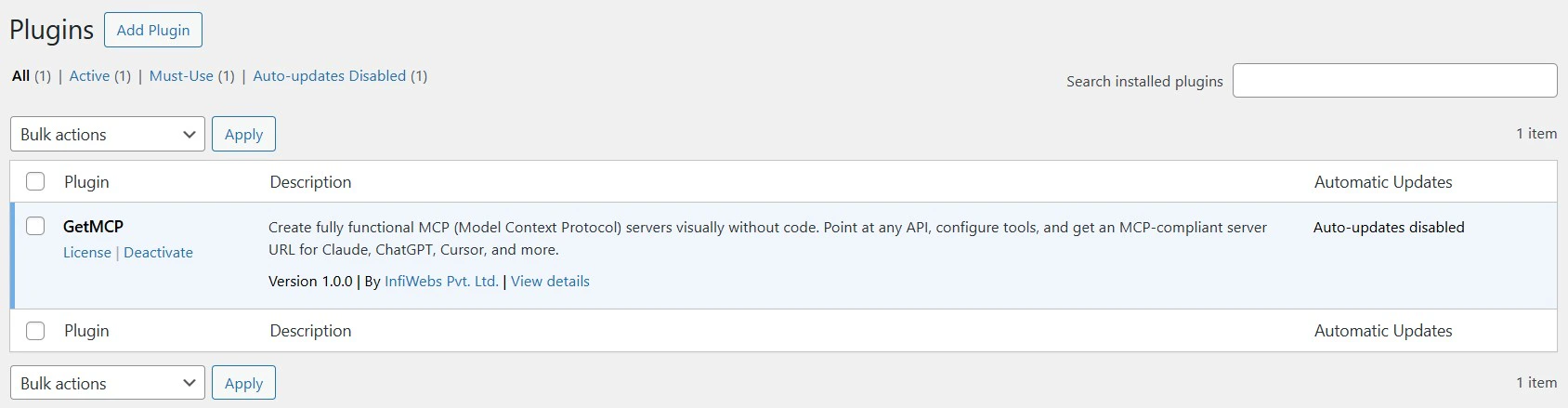
2
Activate the Plugin
After installation completes, click Activate Plugin.You should now see GetMCP in your WordPress admin sidebar.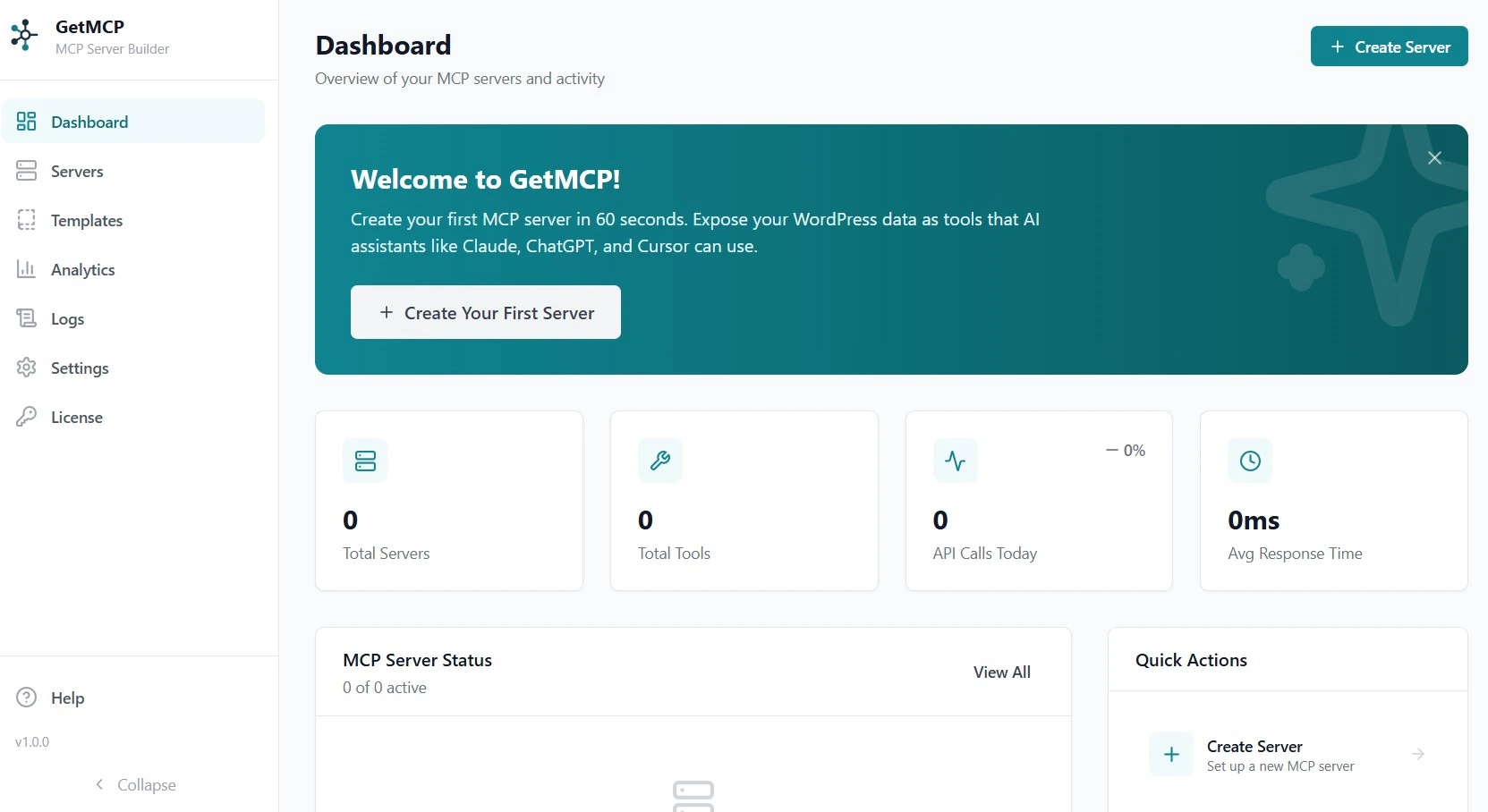
3
Complete Setup
Navigate to GetMCP > Dashboard. The onboarding wizard will guide you through creating your first MCP server.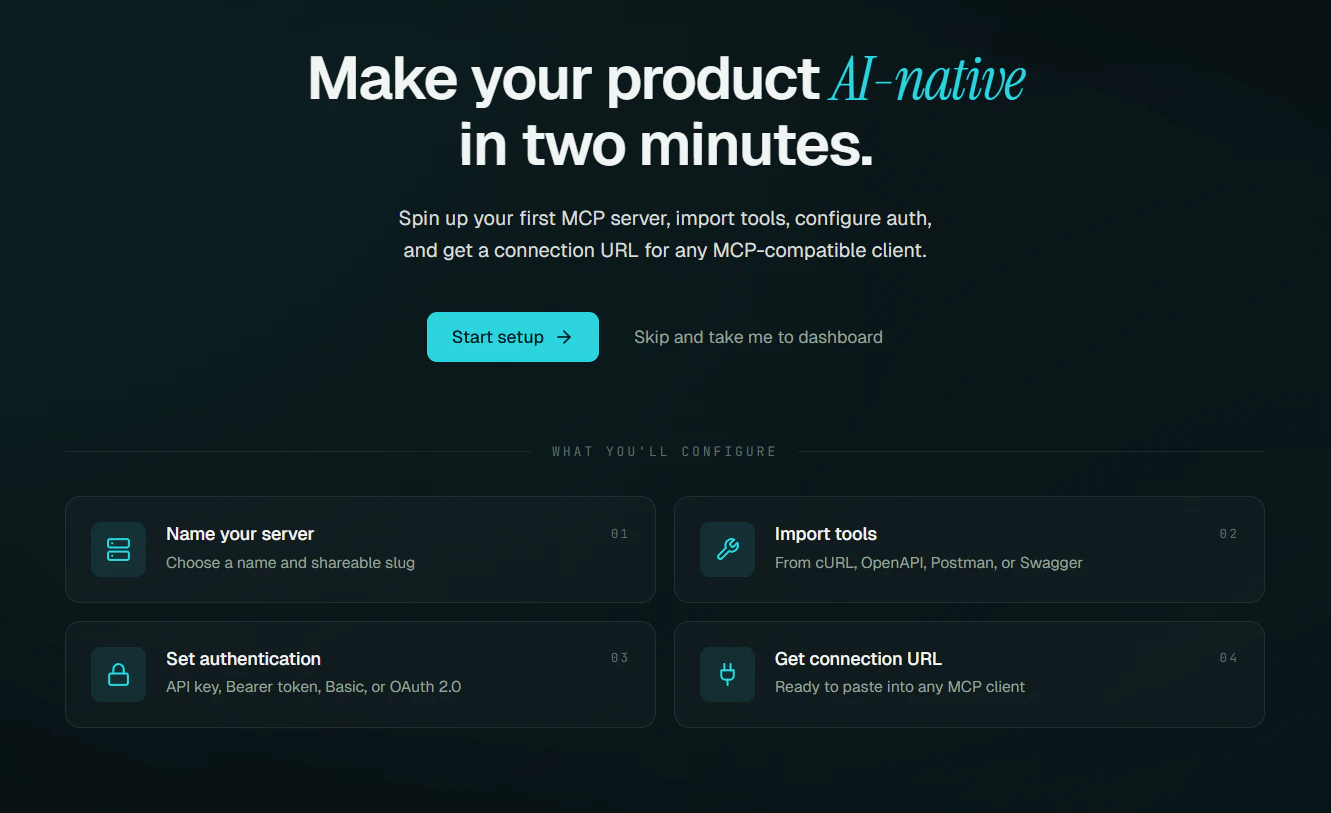
Verify Installation
After activation, confirm everything is working:- The GetMCP menu appears in your WordPress admin sidebar
- Navigate to GetMCP > Dashboard — the onboarding screen should appear
- The setup wizard completes without errors