

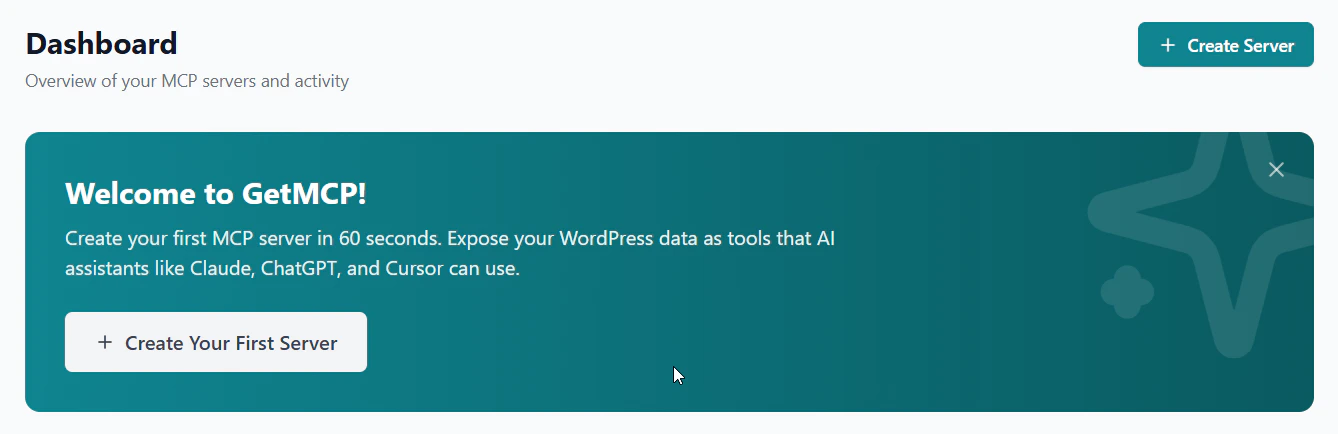
What is GetMCP?
GetMCP is a WordPress plugin that turns any REST API into a fully compliant Model Context Protocol (MCP) server. Instead of writing protocol handlers, transport layers, and tool schemas by hand, you configure everything through a visual admin interface. Your WordPress site becomes the MCP server. AI clients like Claude Desktop, Cursor, and Windsurf connect to it over HTTP and call your configured tools, which proxy requests to the underlying APIs and return structured results.Quick Start
Create your first MCP server in minutes
Installation
Install and activate the plugin
Concepts
Understand servers, tools, resources & prompts
API Reference
Explore the full REST API
How It Works
- Create a server in the GetMCP admin panel
- Add tools by building from scratch, importing from a cURL command, OpenAPI spec, Swagger file, or Postman collection, or installing a pre-built template. Authentication type is detected on import — credentials are entered manually after.
- Copy the server URL into your AI client’s MCP configuration
- AI clients can now discover and call your tools via the MCP protocol
What’s Included
Tools
Proxy HTTP requests to any REST API. Each tool maps to one endpoint with full parameter control and auth.
Resources
Expose read-only data — static content, WordPress queries, or external URLs — that AI can pull as context.
Prompts
Reusable instruction templates with typed arguments. AI retrieves and uses them as structured prompts.
Import Tools
Import tools from a cURL command, OpenAPI spec, Swagger file, or Postman collection — or start from a pre-built template. URL, method, headers, and parameters populate automatically.
Analytics
Per-tool call logs, error rates, response times, and client breakdowns. All on-site, no third parties.
Rate Limiting
Per-server and per-tool rate limits. Protect upstream APIs and control costs.
Who Is GetMCP For?
SaaS & App Developers
SaaS & App Developers
You have a REST API and want your users to connect Claude, Cursor, or other AI clients to it. GetMCP handles the entire MCP layer — JSON-RPC, transport, tool schemas, session management — so you configure endpoints in a UI and ship a working MCP server the same day. No protocol code.
WordPress & WooCommerce Users
WordPress & WooCommerce Users
Expose your WordPress site — posts, products, orders, custom post types — as MCP tools without writing code. Use pre-built templates for WooCommerce, or build custom tools that call the WordPress REST API. Your AI client can query and manage your site through natural language.
Power Users & Developers
Power Users & Developers
Connect any REST API you already use — Stripe, GitHub, Notion, Slack, HubSpot — as MCP tools for your own AI workflow. Combine tools from different APIs into one server so your AI client has everything it needs in one place.
WordPress Agencies
WordPress Agencies
Build and deliver MCP servers for clients without custom server development. Configure tools through the admin UI, share the endpoint URL, and your clients’ AI tools work immediately. Everything runs on infrastructure you already manage.