> ## Documentation Index
> Fetch the complete documentation index at: https://docs.getmcp.com/llms.txt
> Use this file to discover all available pages before exploring further.
# GetMCP Documentation
> Create fully functional MCP servers from WordPress — no code required.
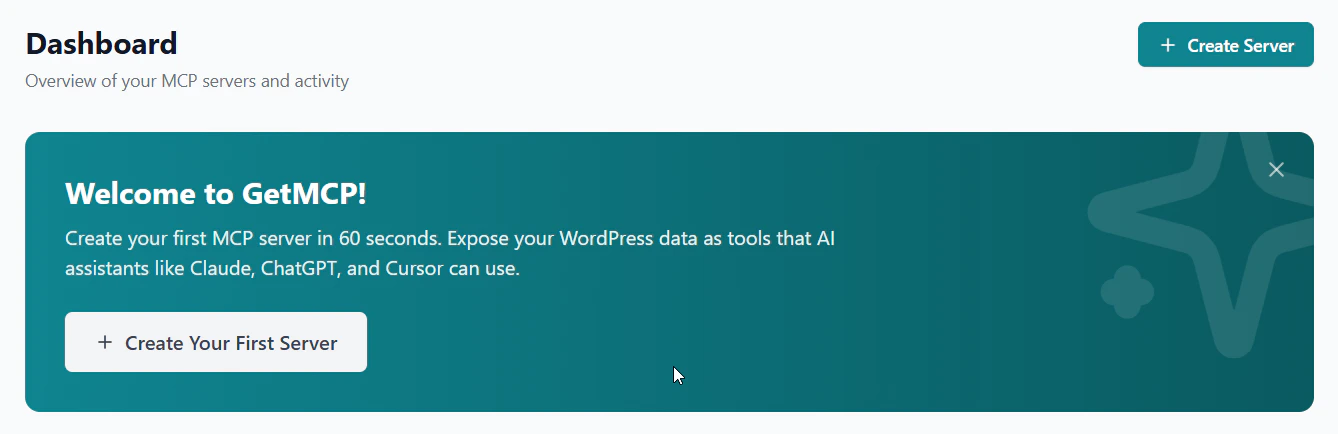 ## Welcome to GetMCP
**GetMCP** is a WordPress plugin that turns any REST API into a fully compliant [Model Context Protocol (MCP)](https://modelcontextprotocol.io/) server — no code required.
Point at any API, configure tools visually, and get an MCP-compliant server URL for Claude, ChatGPT, Cursor, Windsurf, and any MCP-compatible AI client.
Create your first MCP server in minutes
Install and activate the plugin on WordPress
Full REST API reference for all endpoints
Connect Claude Desktop, Cursor, Windsurf, and more
## How It Works
```
AI Client (Claude, Cursor, Windsurf...)
│
│ MCP Protocol (JSON-RPC 2.0 over HTTP)
▼
WordPress + GetMCP
│
│ Configured HTTP requests
▼
Any REST API (Stripe, GitHub, Notion, Slack...)
```
Install GetMCP on any WordPress site running PHP 8.0+ and WordPress 6.2+.
Create an MCP server — each one gets a unique, shareable URL.
Configure tools by pointing at any REST API endpoint. Set authentication, parameters, and mappings visually.
Paste the server URL into Claude Desktop, Cursor, Windsurf, or any MCP-compatible client.
## Key Features
Visual editor for tools, resources, and prompts — no PHP or JSON required
API Key, Bearer Token, Basic Auth, and OAuth 2.0 with auto token refresh
Paste any curl command and auto-generate a tool configuration instantly
Real-time call logs, success rates, response times, and client breakdowns
Per-server and per-tool rate limits with retry and exponential backoff
Full JSON-RPC 2.0 implementation with Streamable HTTP transport
## Welcome to GetMCP
**GetMCP** is a WordPress plugin that turns any REST API into a fully compliant [Model Context Protocol (MCP)](https://modelcontextprotocol.io/) server — no code required.
Point at any API, configure tools visually, and get an MCP-compliant server URL for Claude, ChatGPT, Cursor, Windsurf, and any MCP-compatible AI client.
Create your first MCP server in minutes
Install and activate the plugin on WordPress
Full REST API reference for all endpoints
Connect Claude Desktop, Cursor, Windsurf, and more
## How It Works
```
AI Client (Claude, Cursor, Windsurf...)
│
│ MCP Protocol (JSON-RPC 2.0 over HTTP)
▼
WordPress + GetMCP
│
│ Configured HTTP requests
▼
Any REST API (Stripe, GitHub, Notion, Slack...)
```
Install GetMCP on any WordPress site running PHP 8.0+ and WordPress 6.2+.
Create an MCP server — each one gets a unique, shareable URL.
Configure tools by pointing at any REST API endpoint. Set authentication, parameters, and mappings visually.
Paste the server URL into Claude Desktop, Cursor, Windsurf, or any MCP-compatible client.
## Key Features
Visual editor for tools, resources, and prompts — no PHP or JSON required
API Key, Bearer Token, Basic Auth, and OAuth 2.0 with auto token refresh
Paste any curl command and auto-generate a tool configuration instantly
Real-time call logs, success rates, response times, and client breakdowns
Per-server and per-tool rate limits with retry and exponential backoff
Full JSON-RPC 2.0 implementation with Streamable HTTP transport